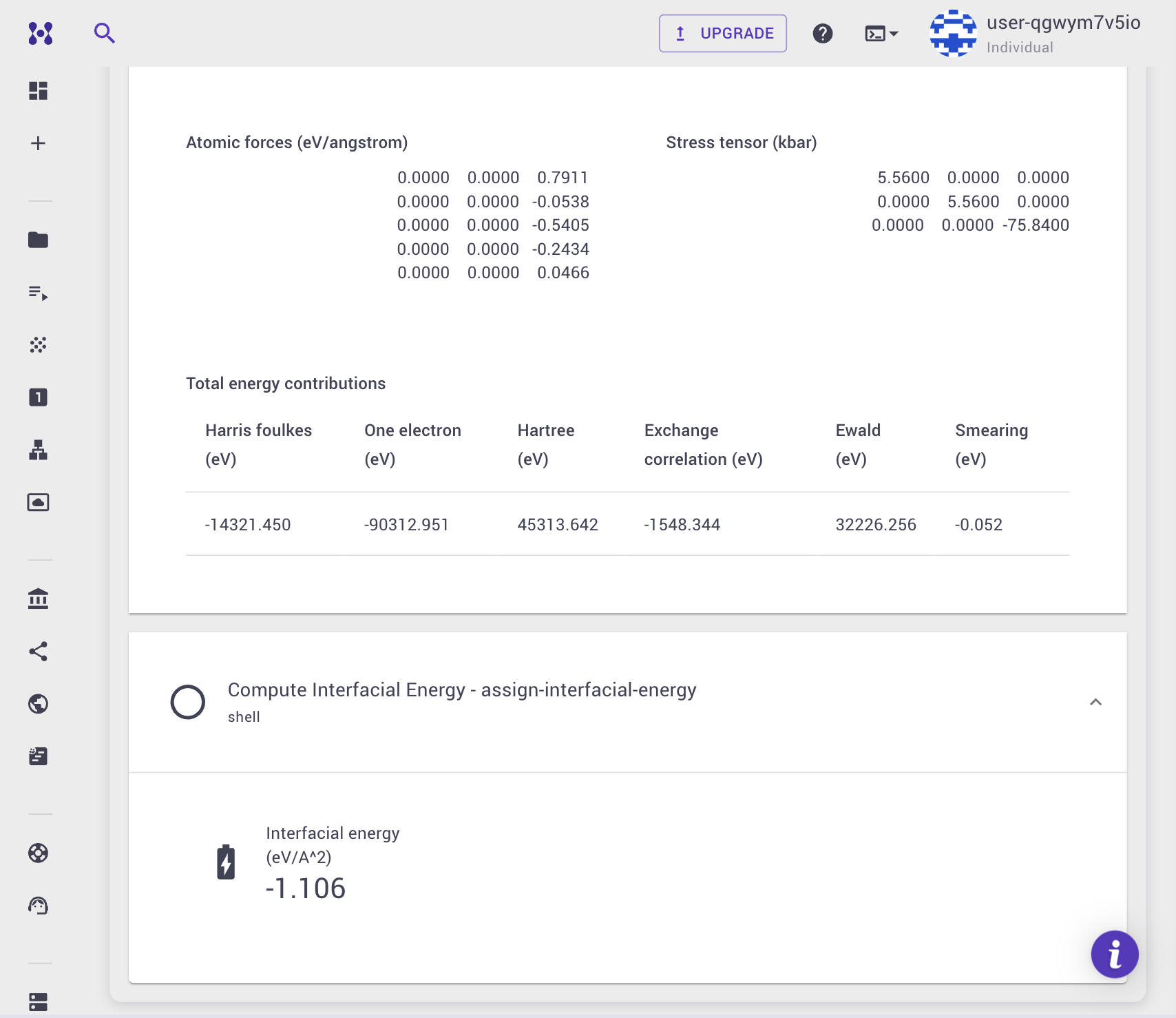
Calculate Interfacial Energy
This tutorial explains how to calculate the interfacial energy between a substrate material and a film material using Density Functional Theory (DFT) with Quantum ESPRESSO.
1. Create the materials
To calculate interfacial energy, you need an interface structure that combines both the substrate and the film, as well as the individual substrate and film materials in their bulk forms.
- Create the substrate and film structures using the Materials Designer.
- Create the combined interface structure using the Interface Builder.
- Ensure that the total energy for both the standalone substrate and the standalone film has been calculated with the same precision parameters (e.g., KPPRA, kinetic energy cutoffs) that you plan to use for the interface calculation.
2. Understand the workflow structure
Expand to view unit details
The interfacial energy workflow is composed of several subworkflows that load the materials, fetch their pre-calculated total energies, and compute the interface energy.
1. Load Interface Material
- Loads the combined interface material into the workflow using
set-material-indexandio-material.
2. Load Substrate Material
- Loads the standalone substrate material into the workflow to be used as a reference.
3. Fetch Total Energy for Substrate Material
- Looks up the substrate material's own most recently finished Total Energy job and extracts its highest-precision
total_energyproperty usingio-bulk-te-jobandio-te-bulk. Unlike the Formation Energy and Defect Formation Energy workflows, there is no Group or Source assignment unit to configure here — the lookup is tied directly to the substrate material you submitted, not to a property group or an owner filter.
4. Load Film Material
- Loads the standalone film material into the workflow.
5. Fetch Total Energy for Film Material
- Same lookup as above, applied to the film material.
6. Compute Interfacial Energy
- pw_scf: Performs a self-consistent field (SCF) calculation to determine the total energy of the combined interface structure.
- assign-interfacial-energy: Uses Python to compute the interfacial energy by subtracting the substrate and film reference energies from the total energy of the interface, normalized by the interface area.
3. Select the workflow and create the job
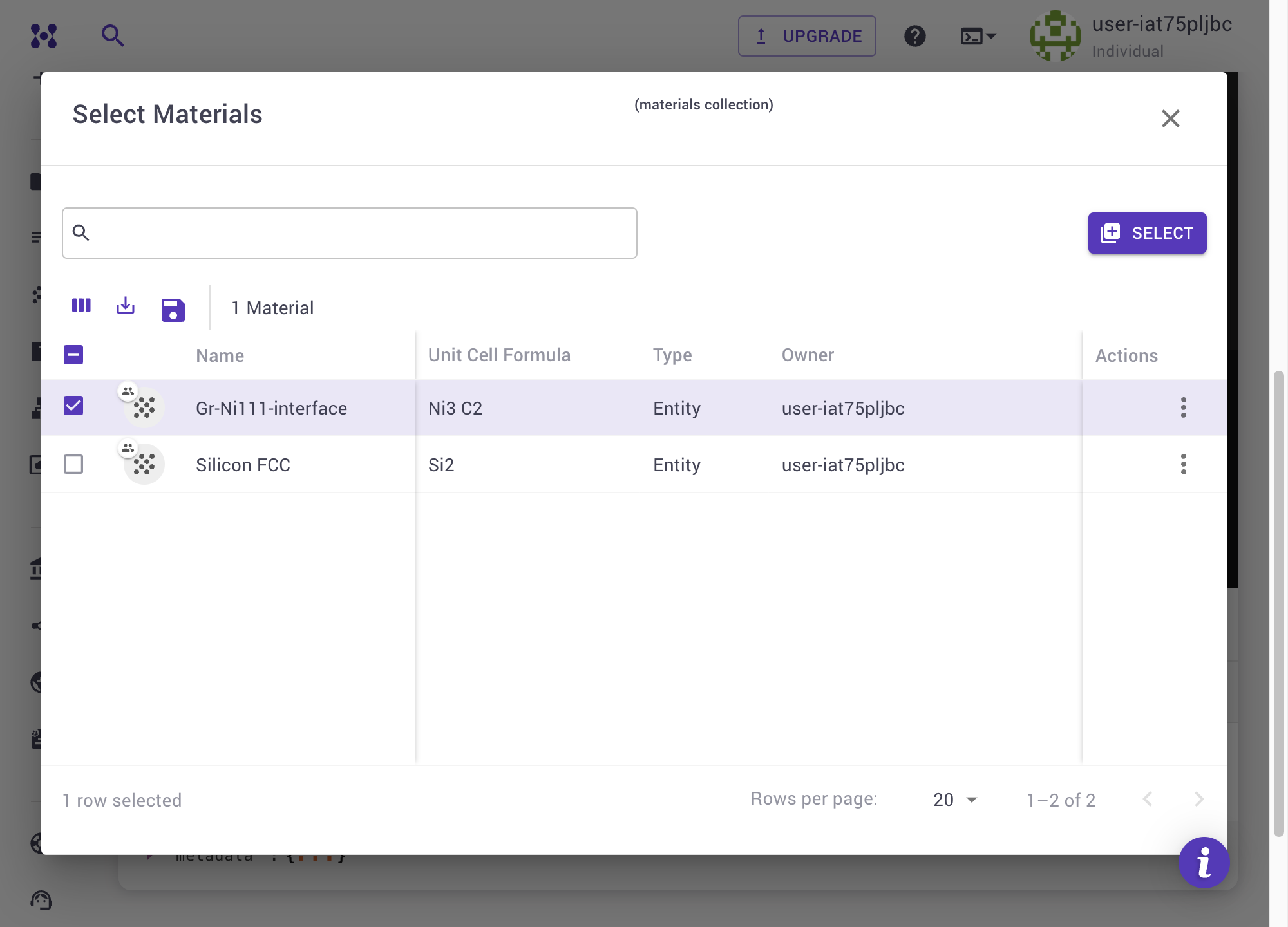
This is a multi-material workflow: the job must be submitted with exactly three materials, in this order:
- Interface (position 0) — its total energy is computed by the job itself.
- Substrate (position 1) — its total energy is fetched from that material's own most recently finished Total Energy job.
- Film (position 2) — same as the substrate.
Both the substrate's and film's Total Energy jobs must already exist on the platform before you submit this job (see step 1).
- Open the Job Designer and add the interface material first, then the substrate, then the film, so they occupy positions 0, 1, and 2 respectively.
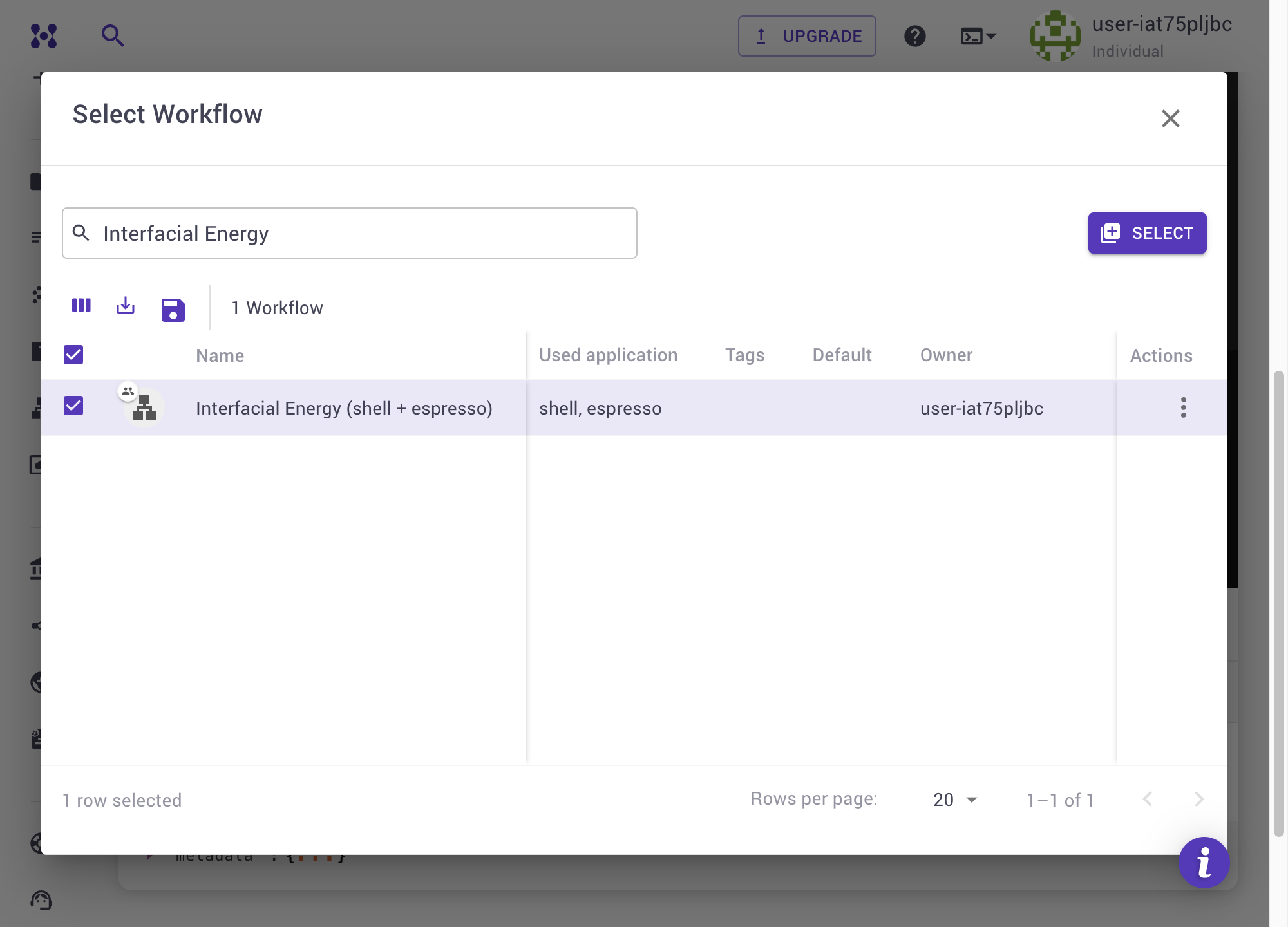
- Workflows for interfacial energy calculations with Quantum ESPRESSO can be imported from the Workflows Bank.
- Once imported, select the Interfacial Energy workflow and add it to your job.
4. Submit the job
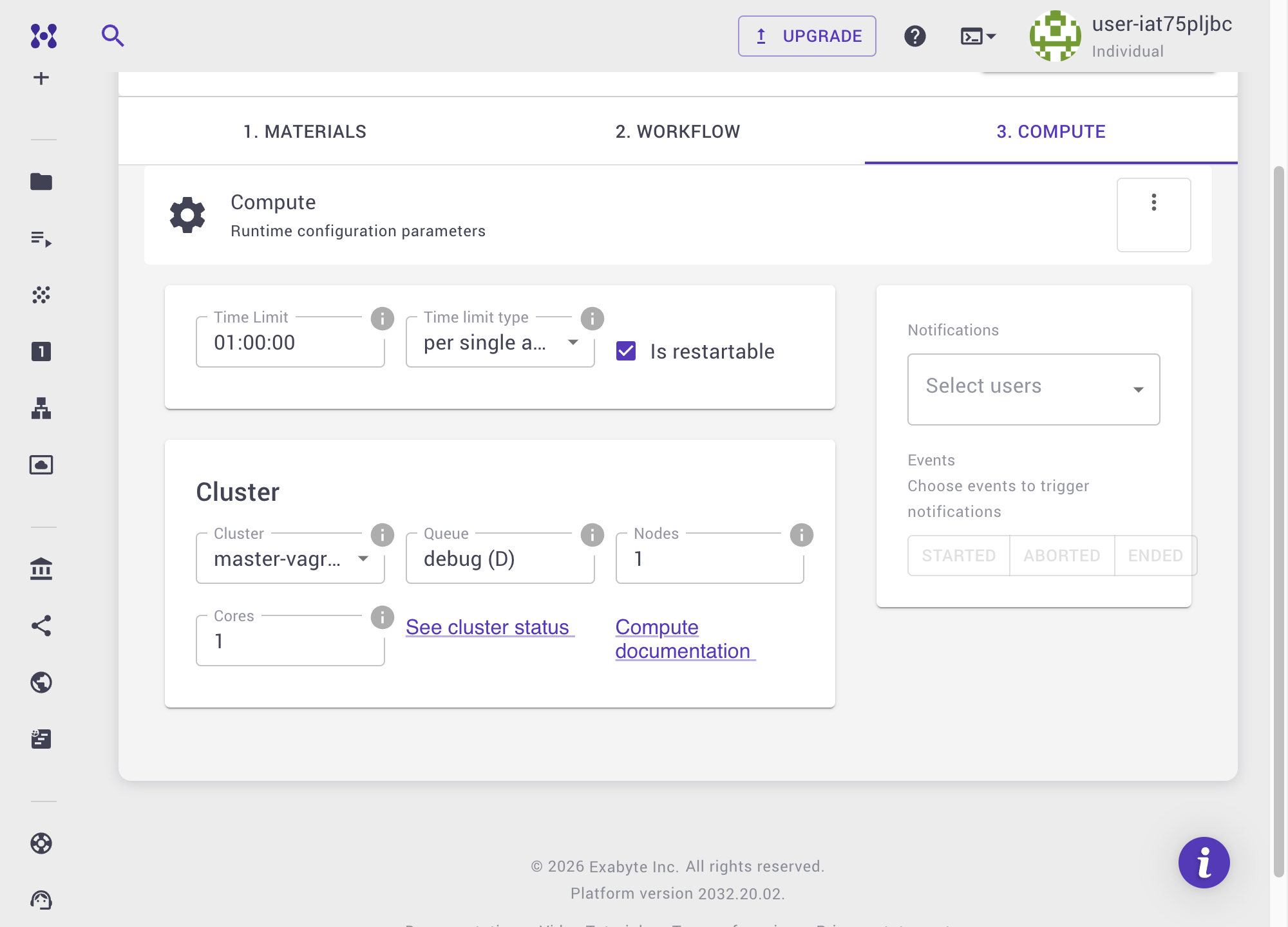
Before submitting the job, review the Compute tab to verify the compute parameters. Ensure that the K-point grid and cutoffs match those used for the substrate and film reference calculations.
5. Examine the results
Once the job completes, navigate to the Results tab of the Job Viewer. The Interfacial Energy property will be displayed.